Pocket OptionAvailable
NEBORTRADE PRO
Copy trading, ready-made strategies and AI trading in a web service for Pocket Option.
Screenshots, AI and news analysis. Choose a tool for your task.

Choose your broker,
then your analysis approach.
Copy trading, ready-made strategies and AI trading in a web service for Pocket Option.
AI analysis of BinoDex chart screenshots: direction, reasoning and conditions for manual entry.
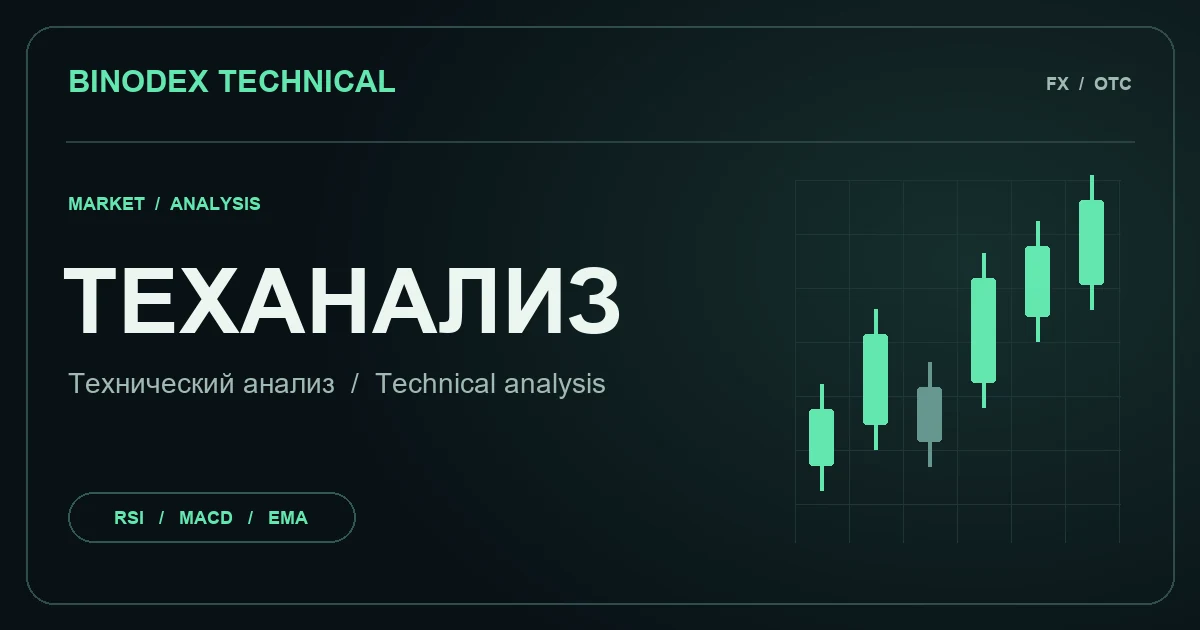
Technical analysis of regular and OTC BinoDex pairs in Telegram. Choose a pair and timeframe to see direction, levels and indicator readings.
AI analysis of Pocket Option chart screenshots: direction, reasoning and conditions for manual entry.
Technical analysis of regular and OTC Pocket Option pairs in Telegram: direction, indicators, levels and candlestick patterns.
News, economic events and context for your own market analysis.

AI analysis of Binarium chart screenshots: direction, reasoning and conditions for manual entry.
An economic calendar with AI commentary on market-moving events.

AI analysis of Quotex chart screenshots: direction, reasoning and conditions for manual entry.
“In development” cards preview future bots. Analysis does not guarantee profit.
Choose a tool for screenshot analysis, AI market analysis, news context or supported automated trading. Each card separates available services from planned projects. Access terms belong to the selected service.
Analysis does not guarantee profits. Trading carries the risk of losing money.
Access terms
for FastSignal.
Free before registration
After registration through our link
After a deposit of any amount
A “do not enter” result also counts as an analysis. Data errors do not use a trial. Existing NEBORTRADE access follows the terms inside its app.
Tools and automation for the 1win platform.
No promises of winning. Participation carries a risk of losing money.Find your platform in the catalog and explore its tools.
Compare approaches: chart images, AI analysis or news.
Read the description and access terms, then follow the bot’s instructions.
About tools,
access and limitations.
Not all of them. Screenshot and news bots provide analysis for your own decision. NEBORTRADE automation is a separate feature that starts only after you confirm an account and limits.
NEBORTRADE for BinoDex, FastSignal screenshot analysis and the NEBORTRADE PRO Pocket Option web service are available. Other cards are marked “In development”.
Through confirmed broker partner data or an administrator. Clicking a link alone does not verify registration or a deposit.
OTC analysis needs an image or data of the broker’s specific instrument. Ordinary exchange quotes cannot replace an OTC chart.
No. Signals and AI analysis can be wrong. Trading and gambling carry a risk of losing money. The user makes the decisions.